
07 · Services
AI & Automation
Automation and AI for the work that happens the same way, every day, until someone is tired of doing it by hand.
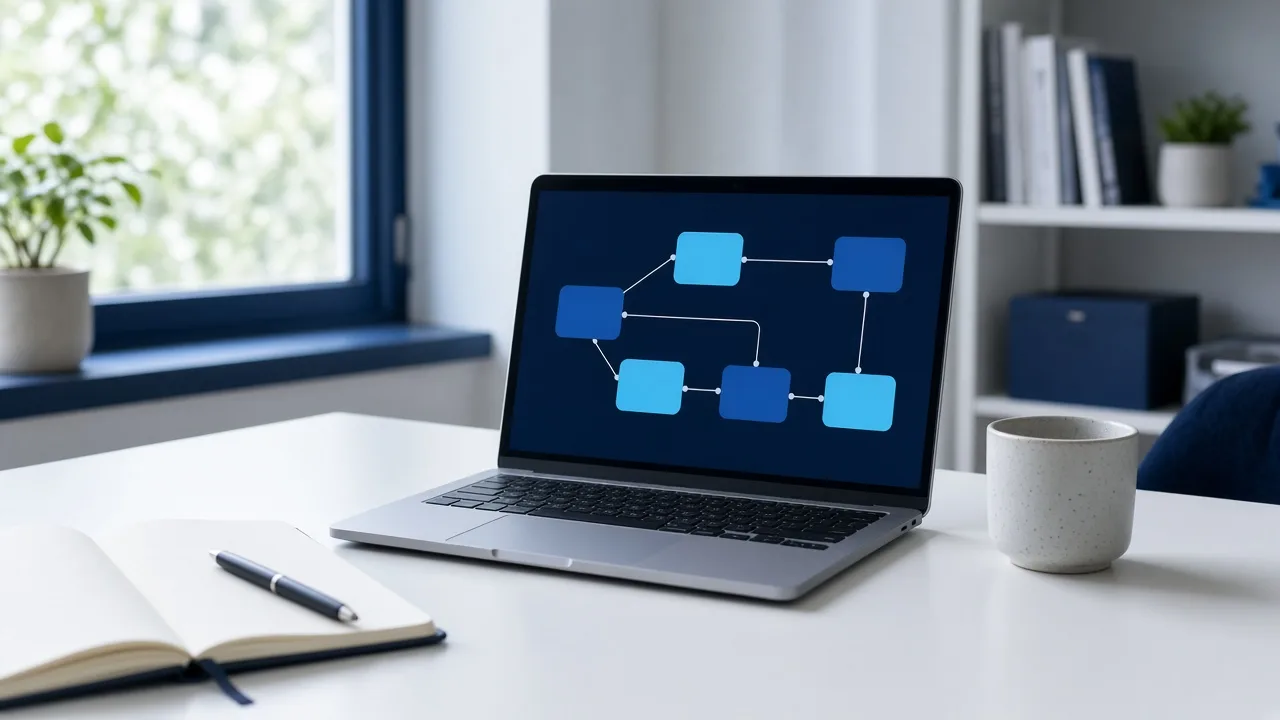
A lot of a company’s day is the same motion. A form is copied into a sheet. A reply is typed in almost the same words. A report is assembled on Friday from five places that do not talk to each other. That work is real, and it is a poor use of the people who know the business.
We start with one of those motions. Sometimes the answer is a workflow that runs when a form arrives, a file lands, or a clock hits a time. Sometimes it is an assistant that drafts the first version, sorts what came in, or answers the question the team is asked over and over. The tools you already use stay in place. We connect them instead of asking the company to move house.
The result has to be usable on a normal day, not only in a demo. You leave with the repeated steps shortened, a clear line for what the system may do, and what a person still decides. Someone inside the company knows how it runs, and how to stop it when the work changes.
How we do it
Four moves, in this order.
01
Name the repeat
We sit with the task as it actually happens: who starts it, which tools it touches, and where a person is only copying.
02
Keep a person in charge
We decide what the system may finish on its own, and what must wait for someone on the team. That line is written down before anything is built.
03
Build the path
The workflow or the assistant is built on the tools you already have. It drafts, sorts, files, or follows up. It does not invent a second way of working.
04
Put it in the day
The team uses it on live work. We watch the first runs, fix what is clumsy, and leave an owner who can keep it going.
What you leave with
The work, in your hands.
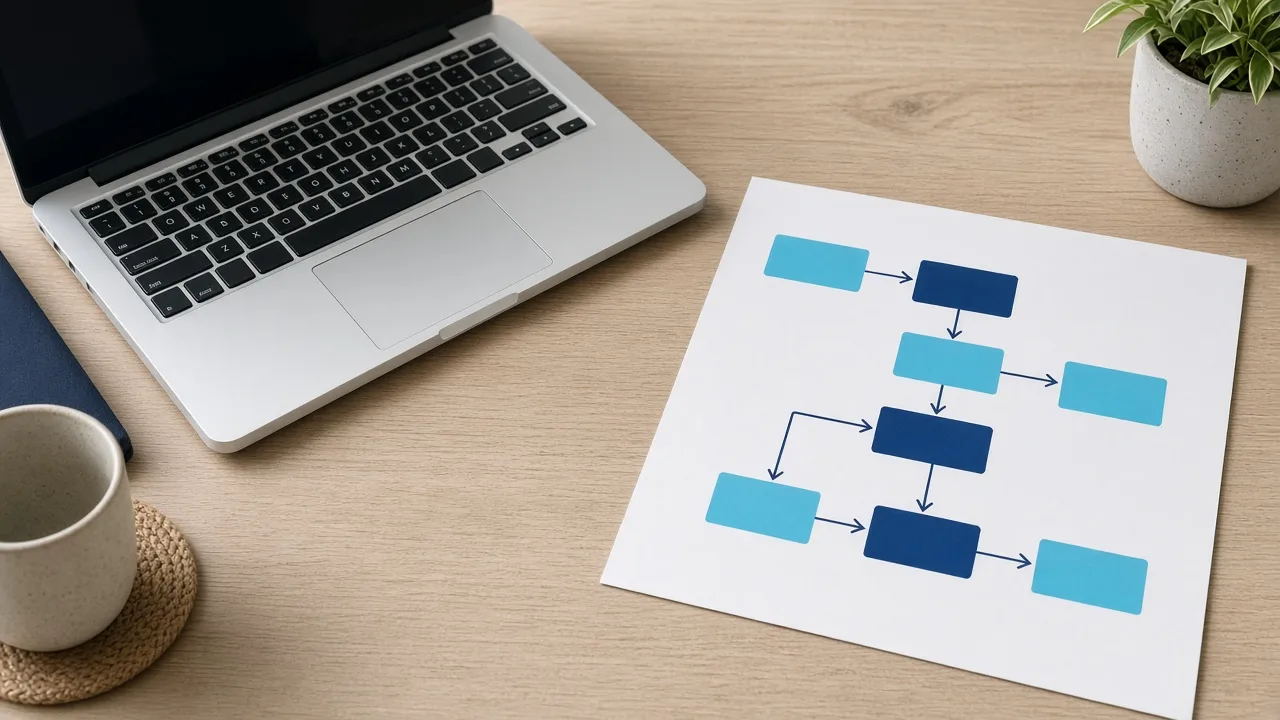
The repeated path, drawn out before it is handed to a system.
- The repeated steps named, and the ones worth automating chosen
- A workflow or an assistant the team uses on the real job
- A written line between what the system may do and what a person still owns
- A way to keep it running, and to change it, after we leave