03 · Services
Web Application Development
Custom web applications that keep the useful parts of a legacy system and replace the parts that slow people down.
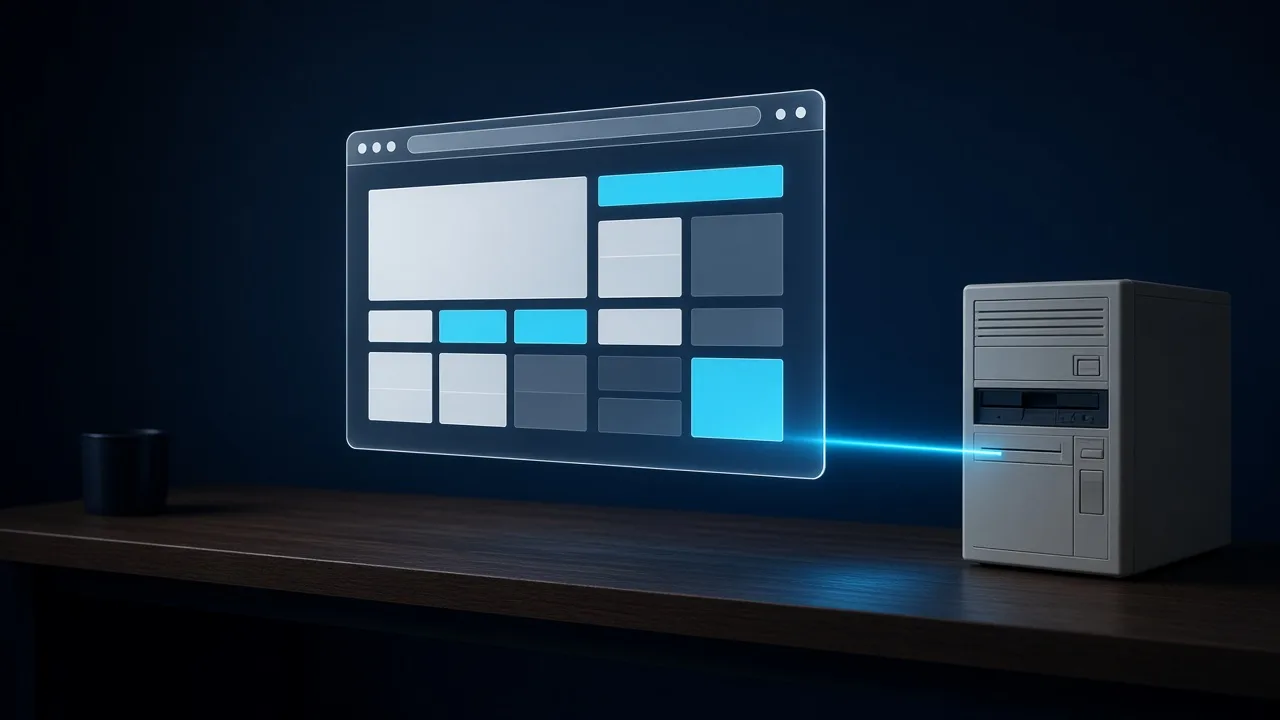
A business rarely needs to throw everything away. The records, the rules, and the history often still earn their keep. What fails is the screen people fight with, or the step that only one person knows how to finish.
We build the web application the company can grow into, connected to what should stay, and clear about what should go.
The result is a browser-based tool the team can share, with the old system still holding the truth it is good at, and the new screens holding the work.
How we do it
Four moves, in this order.
01
Keep the truth
We find which records and rules in the old system still earn their place.
02
Replace the slow part
The screens and steps people struggle with become the first thing the new application does.
03
Connect the two
The new application talks to what stays, so nobody keeps two versions of the same fact.
04
Leave room
The first release is complete, and the shape of it can take the next workflow without a rewrite.

What you leave with
The work, in your hands.
The application, in the browser the team already has open.
- A custom web application
- A bridge to the legacy system worth keeping
- Screens a busy team can finish
- A place to add the next workflow after launch